
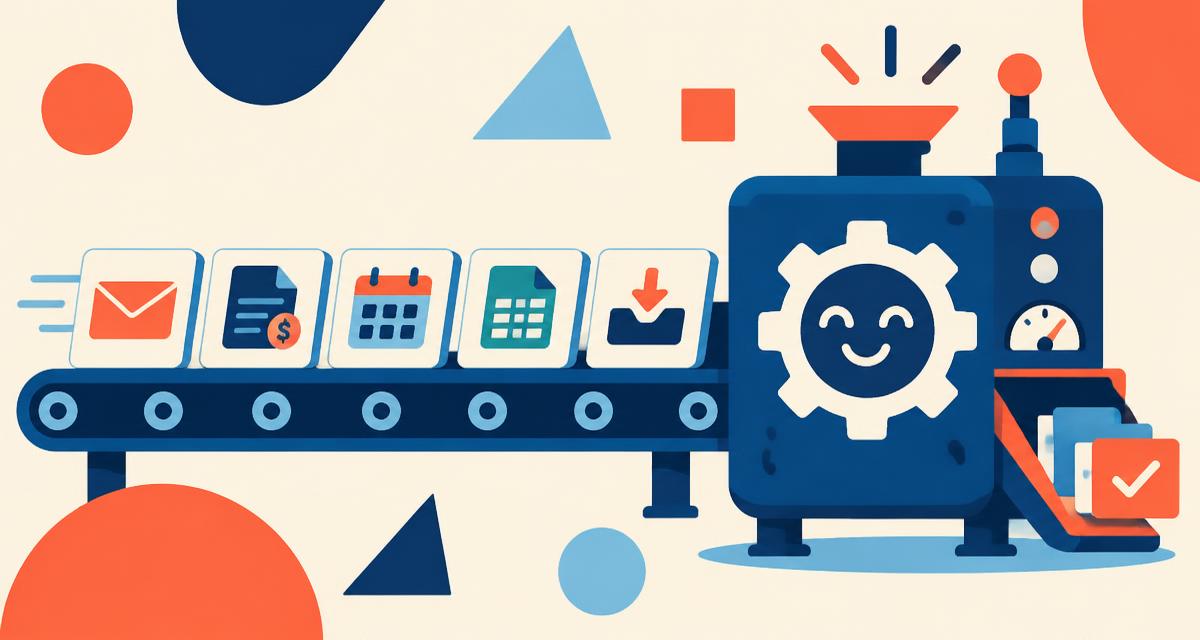
Most small businesses know they should automate more. The harder question is where to start. Automate the wrong thing and you've spent money on something nobody uses. Automate the right thing and your team quietly gets hours back every week.
Here are the five areas we recommend looking at first — chosen because they're repetitive, rule-based, and touch a lot of people.
How to spot a good candidate
Before the list, a quick test. A task is a strong automation candidate when it:
- Happens often — daily or weekly
- Follows the same steps most of the time
- Involves copying information from one place to another
- Causes problems when someone forgets or gets it slightly wrong
If a task checks most of those boxes, it's worth a closer look.
1. Lead capture and follow-up
A form fills in on your website, and then... someone has to notice the email, copy the details into a CRM or spreadsheet, and remember to reply.
Automate it: Send new enquiries straight into your CRM, assign them to the right person, and trigger an immediate acknowledgement. Add a reminder if nobody has followed up within a set time.
Why first: Speed of response matters to buyers, and missed leads are lost revenue you never see.
2. Order and invoice data entry
If someone re-types orders from your store into your accounting system, or builds invoices from a spreadsheet, that's a prime target.
Automate it: Connect your store, CRM, or job system to your accounting software so orders, customers, and payments flow across automatically.
Why first: It removes errors that are expensive to unwind later, especially at month-end.
3. Customer onboarding
New customer signs on. Someone sends a welcome email, a contract, a questionnaire, creates a folder, and adds them to a project board — usually from memory.
Automate it: One trigger (a signed contract or paid invoice) kicks off the whole sequence: welcome message, intake form, shared folder, and project setup.
Why first: It's the first real experience a customer has with you. Consistency here builds trust.
4. Internal reporting
Every Monday someone pulls numbers from three tools into a spreadsheet so leadership can see how the week went.
Automate it: Build a simple dashboard or scheduled summary that pulls the key figures automatically.
Why first: Reports that assemble themselves get looked at more often — and decisions get made on current numbers, not last week's.
5. Routine notifications and reminders
Appointment reminders, overdue invoice nudges, low-stock alerts, renewal notices. Individually tiny; collectively a lot of mental load.
Automate it: Set rules once and let the system send them on schedule.
Why first: These are low-risk, quick to set up, and immediately noticeable to your team.
What not to automate (yet)
Some things are better left human, at least at first:
- Processes that change every time or rely on judgment calls
- Workflows nobody has agreed on — automating chaos just makes faster chaos
- Rare tasks where setup would take longer than doing it by hand for a year
Start small, then build
The best approach is usually to pick one workflow, map it end to end, automate it, and let the team live with it for a few weeks. Once it's working, the next one is easier — and you'll have a much clearer sense of where the real time is going.
If you're not sure which of these would make the biggest difference for your business, that's exactly the kind of conversation we like to start with.